Administrative assistant training in Tampa — Organize, collaborate, and thrive.
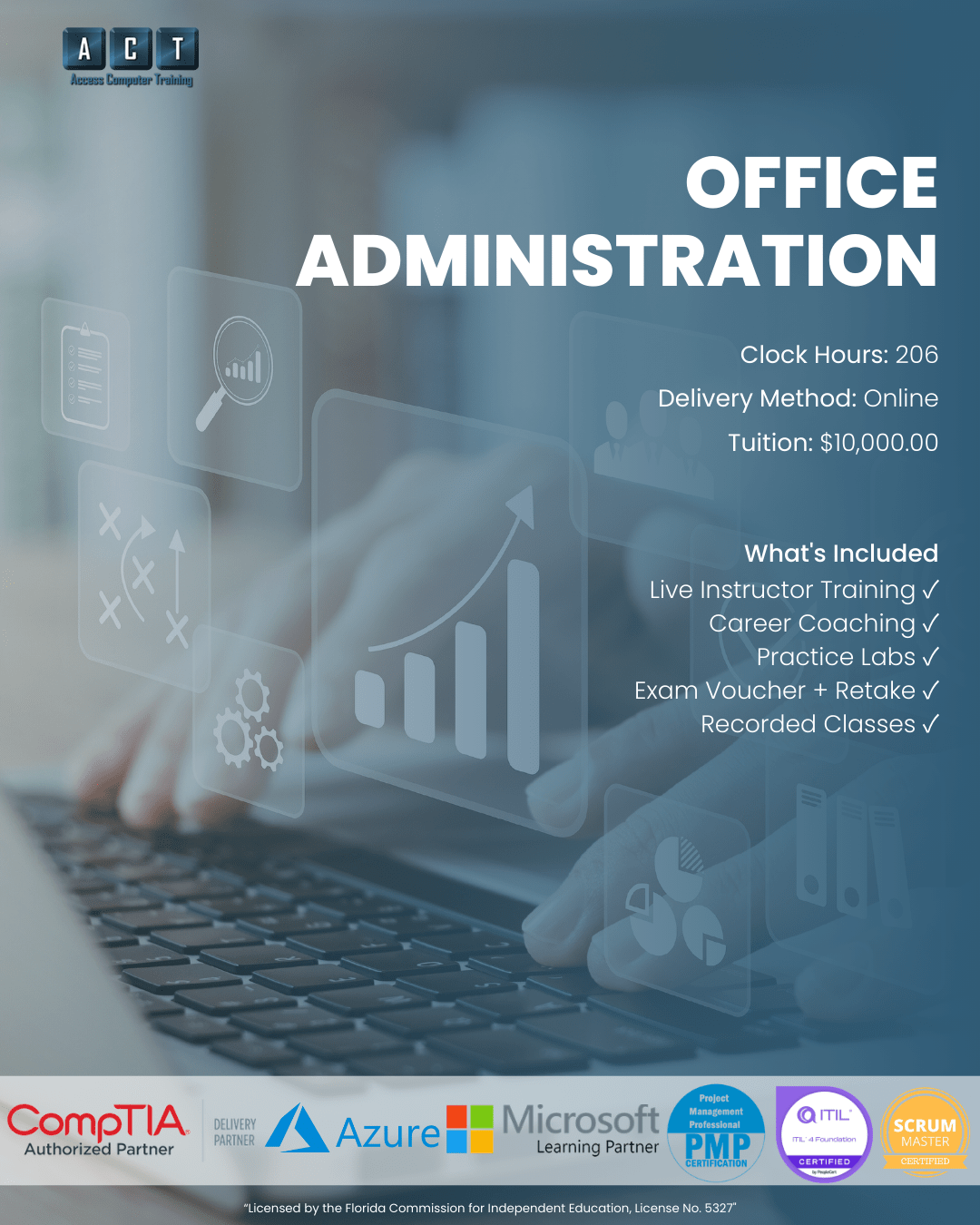
A live, instructor-led administrative assistant training program in Tampa Bay that takes you from beginner to job-ready in 206 hours. Master Microsoft 365, cloud collaboration tools, AI-powered productivity with Copilot and ChatGPT, and foundational bookkeeping with QuickBooks — all taught by certified instructors with real-world office experience. Built for career changers, job seekers, and anyone ready to launch a career in office administration.
- Live online — not pre-recorded videos
- Max 12 students per class
- Microsoft 365 + QuickBooks training included
- Career planning & job strategizing with a certified career coach
- WIOA, VR & VA funding accepted
- Recorded sessions for 24/7 review
From "I'm not tech-savvy"
to running an office.
Most people stuck outside administrative careers aren't lacking potential — they're lacking structured training. However, that changes with 206 hours of administrative assistant training in Tampa at Access Computer Training.
Stuck without modern office skills
- Using Word and Excel at a basic level but not confidently enough for employers
- No experience with cloud tools like Teams, SharePoint, or OneDrive
- Unsure how to leverage AI tools like Copilot and ChatGPT at work
- No bookkeeping or accounting knowledge to add to your résumé
- Job applications going unanswered because you lack demonstrable skills
Equipped for admin & office careers
Real jobs. Real salaries.
Real paths in Tampa Bay.
Administrative Assistant
Administrative Assistants keep offices running — scheduling meetings, managing correspondence, organizing files, and supporting teams. In this role, you'll use Microsoft 365 daily and become the person everyone relies on to keep things organized and on track.
- Microsoft Word, Excel, PowerPoint & Outlook
- Calendar management & scheduling
- Email correspondence & file organization
- Cloud collaboration with Teams & SharePoint
Entry-Level Bookkeeper
Bookkeepers manage financial records, process invoices, reconcile accounts, and generate reports. Because every business needs accurate financial tracking, this role provides strong job security and a clear path into accounting and office management.
- QuickBooks Online & financial software
- Invoicing, payments & reconciliation
- Financial reporting & analysis
- Payroll processing & compliance
Office Manager
Office Managers oversee daily operations, coordinate staff, manage budgets, and ensure everything runs efficiently. With strong Microsoft 365 skills, cloud collaboration experience, and bookkeeping knowledge, this program gives you the full skill set employers are looking for.
- Office operations & team coordination
- Budget management & vendor relations
- Microsoft 365 administration
- Bookkeeping oversight & reporting
Salary ranges reflect publicly available Tampa, FL data for entry-level to mid-career roles (ZipRecruiter, Glassdoor, Robert Half, Salary.com, Comparably — 2026). Actual compensation varies by employer, experience, and additional skills. Training does not guarantee employment.
Productivity → Collaboration → Finance.
Three tracks taught in the order that builds real administrative assistant skills. No guesswork, no jumping ahead.
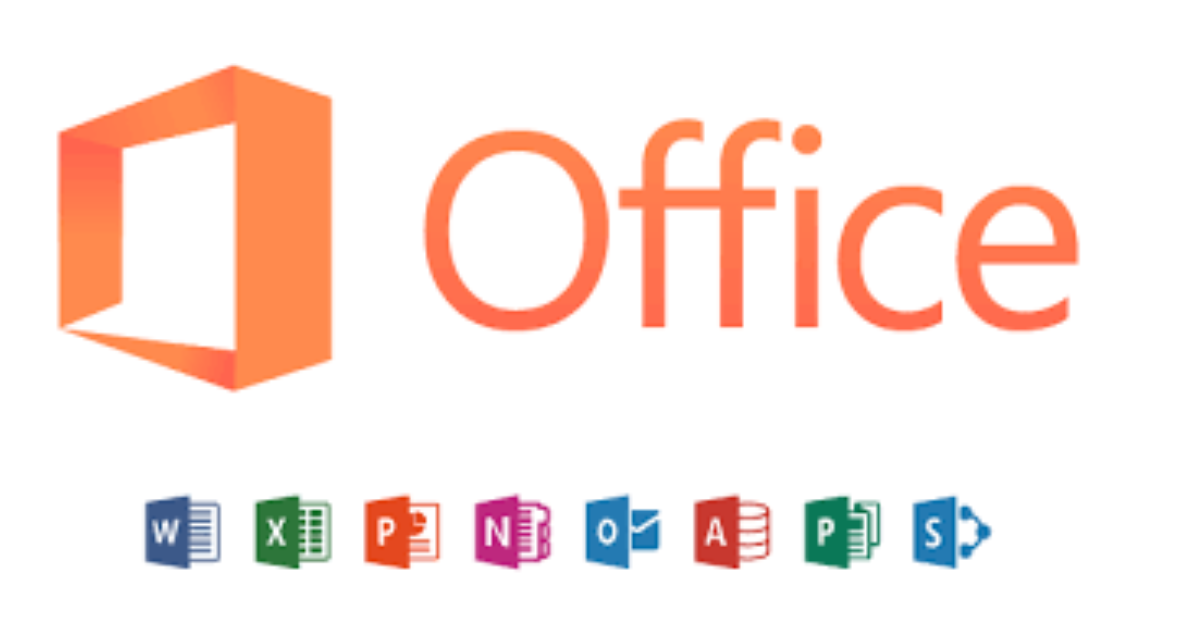
Word, Excel, PowerPoint, Outlook, Copilot, ChatGPT, file management, and career strategizing.
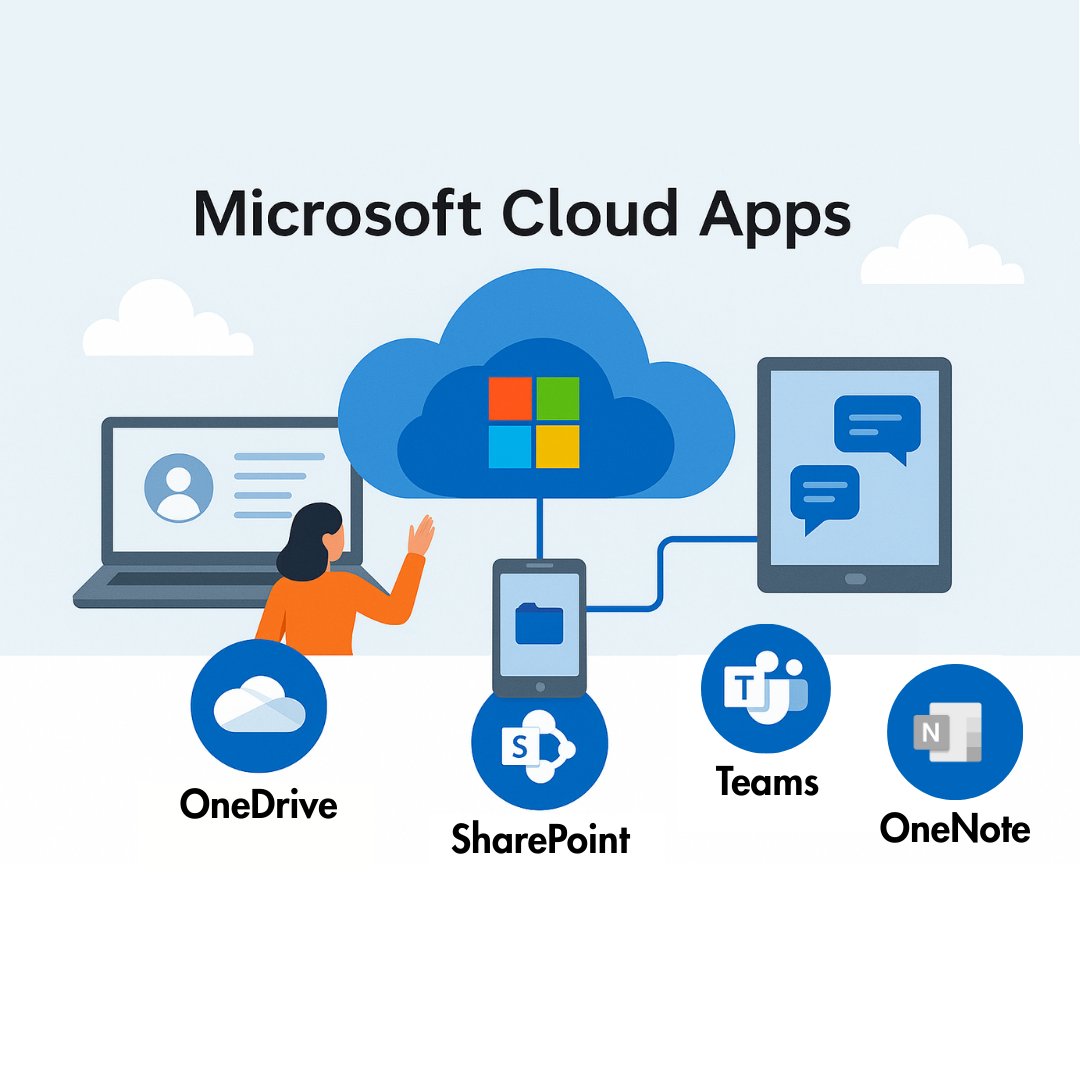
Teams, SharePoint, OneDrive, and OneNote for modern remote and hybrid work environments.

QuickBooks setup, invoicing, banking, financial reports, payroll processing, and Excel for accounting.
How this compares
to other administrative assistant training in Tampa.
Most office training options in Tampa fall into two camps: video subscriptions or multi-year degree programs. Here's where ACT fits.
| Option ASelf-paced video courses | RecommendedACT Office Administration | Option BCommunity college program | |
|---|---|---|---|
| Time to job-readyHow quickly you can apply | 6+ months avg. | ~5 months (206 hrs) | 1–2 years |
| Live instructor supportReal humans, not just videos | Forums only | MOS certified instructors | Mixed quality |
| AI tools trainingCopilot & ChatGPT for work | Not included | Copilot + ChatGPT included | Rarely covered |
| Bookkeeping & QuickBooksFinancial skills for admin roles | Separate course | 32 hours included | Varies |
| Career coachingRésumé, interview, job search | None | Certified career coach | Generic career center |
| Class sizePersonal attention | 1,000s of strangers | Max 12 students | 30+ per class |
| WIOA / VR / VA fundingWorkforce funding eligible | Not eligible | All accepted | Financial aid only |
Everything you need to finish
— ALL included.
No surprise add-ons. No upsells. Everything below is part of your administrative assistant training program enrollment.
206 Hours of Live Instruction
Live, instructor-led online classes. Ask questions in real time and get guided practice — not pre-recorded shortcuts.
Microsoft Copilot & ChatGPT
Learn to use AI-powered tools for document creation, data analysis, email drafting, and everyday workplace productivity.
Recorded Sessions
Every live class is recorded. Rewatch difficult topics, reinforce your learning, or catch up if you miss a session.
QuickBooks Bookkeeping
32 hours of foundational bookkeeping — company setup, invoicing, banking, financial reports, and payroll in QuickBooks.
1-on-1 Mentoring
Individual mentoring by appointment. If you get stuck on something, book time with your instructor and work through it.
Career Planning & Job Strategy
Career planning and job strategizing with a certified career coach — résumé reviews, LinkedIn optimization, interview prep, and salary negotiation.
Your administrative assistant training in Tampa
is taught by real office professionals.
When you choose administrative assistant training in Tampa at ACT, your instructors aren't reading from a script. Instead, they bring decades of hands-on business training experience into every class.
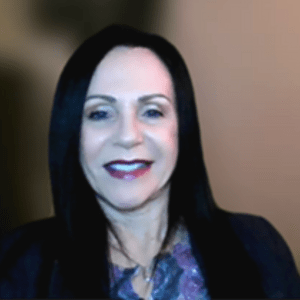
Christie Adams
Background & Experience
Christie has over 20 years of experience delivering instructor-led and virtual training in business applications, professional development, and technology-related subjects. Her instructional expertise includes Microsoft 365 applications, Adobe software, workplace productivity tools, and soft skills training. Furthermore, she holds a Bachelor of Science in Computer Information Science and maintains multiple industry-recognized credentials.

Connie Hyslop
Background & Experience
Connie has over 30 years of experience in computer and business applications training, including curriculum development and instructor-led training for desktop software and accounting applications. She has delivered corporate and professional training to businesses and educational institutions throughout New England. Additionally, she is the owner of Hyslop & Associates and holds an Intuit QuickBooks User Certification.

"I built ACT because the typical path into office careers — self-paced tutorials and untested skills — doesn't actually prepare students for Tampa employers. This program does. We cap classes at 12, hire instructors who've done the work, and stay involved until you're working."
206 hours, three tracks,
taught in the right order.
Click any track below to see exactly what you'll learn. Every module is designed for real-world administrative assistant readiness.
01
Business Applications — Productivity & AIMicrosoft 365, Copilot, ChatGPT & Career Tools · 138 hours · Track 1 of 3
138 hrs
Build strong proficiency in Microsoft Word, Excel, PowerPoint, Outlook, file management, Microsoft Copilot, ChatGPT, and career strategizing. This is the productivity foundation that every administrative assistant career starts from.
02
Microsoft Cloud Apps — CollaborationTeams, SharePoint, OneDrive & OneNote · 36 hours · Track 2 of 3
36 hrs
Develop the modern cloud collaboration skills that employers expect — real-time co-authoring, document sharing, virtual meetings, digital note-taking, and cross-platform integration. These are the tools used in every modern office environment.
03
Introduction to Bookkeeping — QuickBooksAccounting Fundamentals & Financial Reporting · 32 hours · Track 3 of 3
32 hrs
Learn foundational bookkeeping using QuickBooks Online — company setup, chart of accounts, invoicing, banking, financial reports, payroll processing, and Excel for accounting. These skills add real value to any administrative role.
Is this program right for you?
We'd rather have an honest conversation now than enroll someone who isn't ready.
This is for you if…
This isn't for you if…
Administrative assistant training Tampa — your questions answered.
If you have a question that isn't here, ask us on your free strategy call.
How long does the whole program take?
The Office Administration pathway is 206 clock hours total, taught across three tracks (Business Applications, Cloud Collaboration, and Bookkeeping). Specifically, most students complete the full pathway over roughly 5 months depending on cohort timing and schedule.
Each individual track runs on its own cycle. Moreover, you can enroll in tracks individually if you'd rather space them out.
Do I need prior computer experience to enroll?
You should be comfortable with basic Windows PC use, Internet browsing, and opening/saving files. However, you don't need advanced computer skills — that's what this administrative assistant training in Tampa is designed to build.
We'll help you determine the right starting point on your free strategy call.
Is this online, in-person, or hybrid?
The Business Applications track is delivered live online (synchronous). Therefore, you attend scheduled sessions in real time and get guided instruction. Cloud Apps and Bookkeeping tracks are delivered asynchronously with instructor support.
Additionally, all live sessions are recorded for 24/7 review. However, VA-benefit students have separate in-person attendance requirements per federal guidelines.
Can I use WIOA, VR, or VA funding?
Yes — Access Computer Training is approved for WIOA workforce funding, Vocational Rehabilitation (VR), VA Education Benefits (including Post-9/11 GI Bill® and Chapter 31), and CareerSource programs.
Furthermore, we work directly with these agencies and have helped many students fully fund their training. As a result, on your strategy call we'll review what you may qualify for.
Does this program include certification exams?
The Office Administration program focuses on practical, job-ready skills rather than certification exams. However, the skills you develop align with Microsoft Office Specialist (MOS) exam objectives. If you'd like to pursue MOS certification separately, your instructors can guide your preparation.
Does ACT guarantee job placement?
No legitimate training provider guarantees employment. However, what we provide is career planning and job strategizing — résumé writing, LinkedIn optimization, mock interviews, and Tampa-area job search strategies — all included with a certified career coach.
What if I only need Microsoft 365 training, not the full program?
We also offer standalone programs including Business Applications (138 hours), Microsoft Cloud Apps (36 hours), and Introduction to Bookkeeping (32 hours). On the other hand, the full Office Administration program bundles all three at a better overall value. We'll help you decide which option fits best on your strategy call.
Let's find out if office administration
is the right career for you.
On a free 15-minute call, we'll learn about your goals and experience. From there, we'll help you understand which training path makes sense, what support is included, and whether you may qualify for funding. Ultimately, the goal is clarity on your next step — not pressure to enroll.
- Clarity on which program fits
- Funding eligibility check
- Schedule that fits your life
- No pressure to commit