Network and security training in Tampa — Support, connect, and protect.
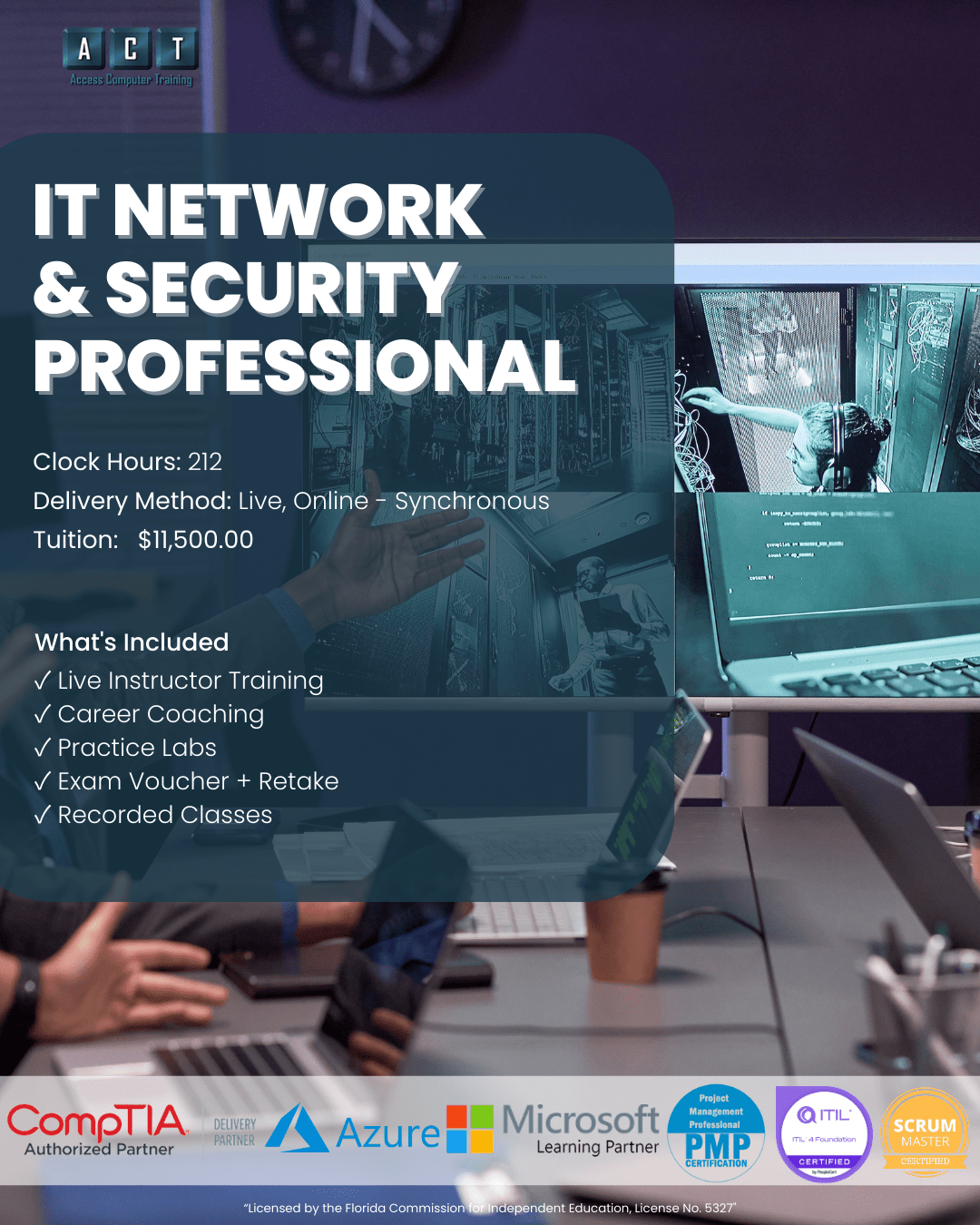
A live, instructor-led network and security training program in Tampa Bay that takes you from hardware fundamentals to certified IT professional in 212 hours. Earn three CompTIA certifications — A+, Network+, and Security+ — with real instructors who have practical IT and cybersecurity experience. Built for career changers, IT newcomers, and professionals ready to level up.
- Live online — not pre-recorded videos
- Max 12 students per class
- 3 exam vouchers + retake assurance
- Career planning & job strategizing with a certified career coach
- Workforce grant, VR & VA funding accepted
- Recorded sessions for 24/7 review
From "where do I start"
to certified IT professional.
Most people stuck outside IT aren't lacking intelligence — they're lacking a structured path. However, that changes with 212 hours of network and security training in Tampa at Access Computer Training.
Stuck outside the IT industry
- Comfortable with computers but no formal IT certifications to show employers
- Not sure whether to start with hardware, networking, or security
- No instructor to ask when concepts don't click
- Self-paced courses you start and never finish
- Job postings that require A+, Network+, or Security+ — and you have none
Certified and career-ready
Real jobs. Real salaries.
Real paths in Tampa Bay.
Help Desk Technician
Help Desk Technicians are the first point of contact when technology breaks. In this role, you'll troubleshoot hardware and software issues, set up equipment, manage user accounts, and keep business operations running smoothly every day.
- Hardware & software troubleshooting
- Windows OS installation & configuration
- User account management & support
- Ticketing systems & documentation
Network Administrator
Network Administrators design, configure, and maintain network infrastructure — routers, switches, firewalls, and wireless systems. Because connectivity is critical to every business, this role provides strong demand and a clear path into senior infrastructure positions.
- Network design & configuration
- Router, switch, and firewall management
- Wireless & WAN troubleshooting
- Network security fundamentals
Jr. Systems Administrator
Systems Administrators maintain servers, enforce security policies, manage user access, and ensure organizational infrastructure stays secure and performant. With A+, Network+, and Security+ on your résumé, you'll have the credentials employers specifically list in job postings.
- Server & infrastructure management
- Security policy enforcement
- User access control & IAM
- Backup, recovery & monitoring
Salary ranges reflect publicly available Tampa, FL data for entry-level to mid-career roles (ZipRecruiter, Glassdoor, Salary.com — 2026). Actual compensation varies by employer, experience, security clearance, and additional skills. Certification does not guarantee employment. See BLS Occupational Outlook for national projections.
Hardware → Networking → Security.
Three CompTIA certifications taught in the order that actually builds career-ready network and security skills. No guesswork, no jumping ahead.
 Hardware & Support
PC hardware, operating systems, mobile devices, troubleshooting, and IT support fundamentals.
 Networking
Network configuration, management, troubleshooting, and infrastructure security.
Security
Cybersecurity fundamentals, threat awareness, risk management, and secure network design.
How this compares
to other network and security training in Tampa.
Most IT training options fall into two camps: video subscriptions or multi-year degree programs. Here's where ACT fits.
| Option ASelf-paced video courses | RecommendedACT Network & Security Pro | Option BCollege degree / 4-yr program | |
|---|---|---|---|
| Time to job-readyHow quickly you can apply | 12+ months avg. | ~6 months (212 hrs) | 2–4 years |
| Live instructor supportReal humans, not just videos | Forums only | CompTIA Certified instructors | Mixed quality |
| Industry certificationsWhat employers actually look for | Pay separately | 3 exam vouchers + retake assurance | Optional |
| Career coachingRésumé, interview, job search | None | Certified career coach | Generic career center |
| Class sizePersonal attention | 1,000s of strangers | Max 12 students | 100+ per lecture |
| Workforce grant / VR / VA fundingWorkforce funding eligible | Not eligible | All accepted | Pell only |
Workforce grant, VR, and VA funding may be available depending on your employment status and county — we'll confirm your eligibility on your strategy call.
Everything you need to finish
— ALL included.
No surprise add-ons. No upsells. Everything below is part of your network and security training program enrollment.
212 Hours of Live Instruction
Live, instructor-led online classes on Microsoft Teams. Ask questions in real time — no pre-recorded shortcuts.
3 Exam Vouchers + Retake Assurance
Exam vouchers for A+, Network+, and Security+ — each with retake assurance so you test with confidence.
Recorded Sessions
Every live class recorded. Rewatch difficult topics, reinforce learning, or catch up if you miss a session.
Hands-On Practice Labs
Practice labs, quizzes, and exam prep tools that build real skills — not just exam memorization.
1-on-1 Mentoring
Individual mentoring by appointment. If you get stuck, book time with your instructor and work through it together.
Career Planning & Job Strategy
Career planning and job strategizing with a certified career coach — résumé reviews, LinkedIn optimization, interview prep, and salary negotiation.
Your network and security training in Tampa
is taught by a real practitioner.
When you choose network and security training in Tampa at ACT, your instructor isn't a full-time content creator. Instead, he brings hands-on IT, networking, and cybersecurity experience into every class.

Craig Taylor
Background & Experience
Craig has worked in cybersecurity operations, established incident response teams, and authored governance policies aligned with ISO/IEC 27001, SOC 2, NIST, and ITIL frameworks. His career spans defense, public sector, and private industry — and he brings that practical experience into every class.

"I built ACT because the typical path into IT — self-paced videos and untested certs — doesn't actually prepare students for Tampa employers. This program does. We cap classes at 12, hire instructors who've done the work, and stay involved until you're working."
212 hours, three tracks,
taught in the right order.
Click any track below to see exactly what you'll learn. Every module is aligned to CompTIA's current exam objectives.
01CompTIA A+ — Hardware & Support220-1101 & 220-1102 · 92 hours · Track 1 of 392 hrs
Build job-ready skills in hardware installation, operating systems, networking fundamentals, mobile devices, troubleshooting, security basics, and operational procedures. This is the certification every IT career is built on.
02CompTIA Network+ — NetworkingN10-009 · 60 hours · Track 2 of 360 hrs
Develop the practical network technician skill set — network design, configuration, management, troubleshooting, and security. This is the foundation for any infrastructure or networking career.
03CompTIA Security+ — Security FundamentalsSY0-701 · 60 hours · Track 3 of 360 hrs
Build foundational cybersecurity skills — threat identification, risk management, secure network defense, identity & access management, incident response, and compliance. This is the security certification Tampa employers look for.
Is this program right for you?
We'd rather have an honest conversation now than enroll someone who isn't ready.
This is for you if…
This isn't for you if…
Network and security training Tampa — your questions answered.
If you have a question that isn't here, ask us on your free strategy call.
How long does the whole program take?
The IT Network & Security Professional pathway is 212 clock hours total, taught across three CompTIA tracks (A+, Network+, Security+). Specifically, most students complete the full pathway over roughly 6 months depending on cohort timing.
Each individual track typically runs about 3–4 weeks per cohort. Moreover, you can enroll in tracks individually if you'd rather space them out.
What's the difference between this and IT Career Prep?
IT Network & Security Professional (212 hours) jumps directly into the CompTIA certification tracks — A+, Network+, and Security+. This option is designed for people who already have strong basic computer skills.
IT Career Prep (350 hours), on the other hand, starts with 138 hours of Business Applications training before moving into the same three certifications. That program works better for people who are completely new to computers. We'll help you decide on your free strategy call.
Do I need prior IT experience to enroll?
You should be comfortable with basic Windows PC use, Internet browsing, file management, and general computing concepts. However, you don't need prior IT certifications or work experience — that's what this network and security training in Tampa is designed to provide.
Is this online, in-person, or hybrid?
Classes are delivered live online (synchronous) on Microsoft Teams. Therefore, you attend scheduled sessions in real time and get guided instruction.
Additionally, all live sessions are recorded for 24/7 review. However, VA-benefit students have separate in-person attendance requirements per federal guidelines.
Can I use workforce grant, VR, or VA funding?
Access Computer Training works directly with workforce grant programs, Vocational Rehabilitation (VR), VA Education Benefits (including Post-9/11 GI Bill® and Chapter 31), and CareerSource.
Eligibility depends on your employment status and county, so on your strategy call we'll walk through exactly what you may qualify for.
What if I don't pass a CompTIA exam?
Your program includes retake assurance with each exam voucher. Additionally, you'll have continued access to your instructor for targeted prep, as well as the recorded class sessions for review.
What comes after this program?
Once you've earned A+, Network+, and Security+, you can advance into our Cyber Defense & Incident Response Professional program (Security+, CySA+, PenTest+) for specialized cybersecurity roles. We also offer CompTIA Cloud+ and Microsoft Azure for cloud-focused career paths.
Let's find out if network and security
is the right career for you.
On a free 15-minute call, we'll learn about your goals and experience. From there, we'll help you understand which training path makes sense, what support is included, and whether you may qualify for funding. Ultimately, the goal is clarity on your next step — not pressure to enroll.
- Clarity on which program fits
- Funding eligibility check
- Schedule that fits your life
- No pressure to commit