CompTIA Network+ certification training in Tampa — Build and secure networks.
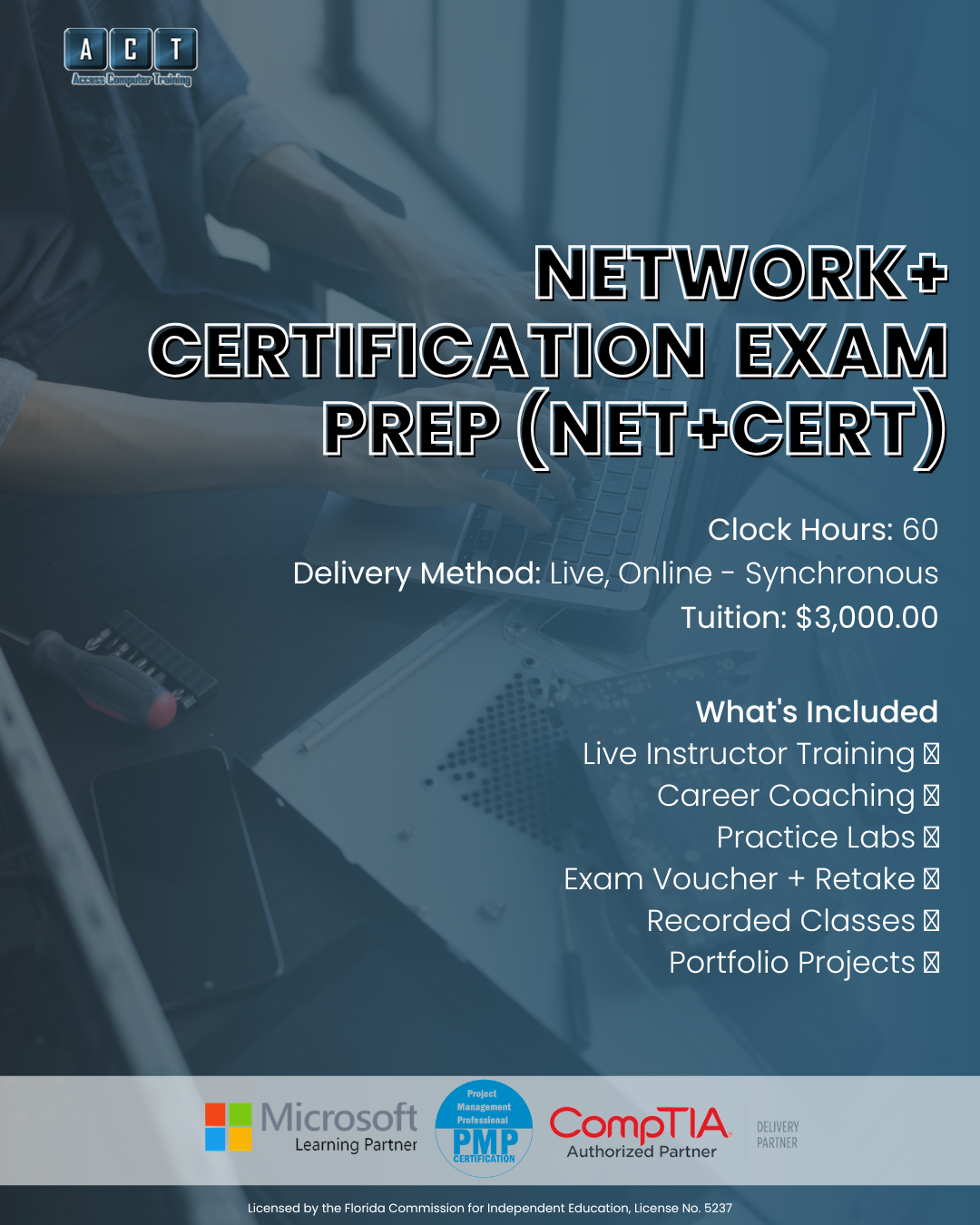
A live, instructor-led CompTIA Network+ certification training program in Tampa Bay that prepares you for the N10-009 exam in 60 hours. The CompTIA Network+ validates the skills every employer expects from networking professionals — and this is the structured way to earn it in Tampa, with a certified instructor guiding you through every protocol, topology, and troubleshooting scenario.
- Live online — not pre-recorded videos
- Max 12 students per class
- Exam voucher + retake assurance included
- Career planning with a certified career coach
- Workforce grant, VR & VA funding accepted
- Recorded sessions for 24/7 review
From basic IT skills
to certified networking professional.
You already know your way around hardware and operating systems. However, networking is where IT careers really accelerate. CompTIA Network+ certification training in Tampa at ACT gives you the structured path to get there in 60 focused hours.
IT skills but no networking creds
- You can fix PCs but can't configure a router or explain subnetting
- Job postings say "Network+ preferred" and you don't have it
- Self-study materials are confusing without an instructor to clarify
- Stuck in a help desk role and need networking skills to advance
- Afraid of spending $400+ on the exam without proper preparation
CompTIA Network+ certified
One certification.
Three networking career paths.
Network Technician
Network Technicians install, configure, and troubleshoot network hardware — routers, switches, access points, and cabling. Because every business depends on reliable connectivity, this role offers steady demand across healthcare, finance, government, and tech.
- Router & switch configuration
- Cable installation & testing
- Wireless network deployment
- Network troubleshooting tools
Jr. Network Administrator
Network Administrators manage and maintain an organization's entire network infrastructure. In this role, you'll monitor performance, enforce security policies, manage VLANs, and ensure uptime across the enterprise — a critical step toward senior infrastructure roles.
- Network performance monitoring
- VLAN & subnet management
- Firewall & VPN administration
- Infrastructure documentation
NOC Technician
NOC Technicians monitor network health around the clock, respond to alerts, escalate incidents, and keep critical systems online. This role is ideal for people who thrive in fast-paced environments and want exposure to enterprise-scale networking from day one.
- Network monitoring & alerting
- Incident triage & escalation
- SNMP, syslog & dashboards
- Shift-based operations
Salary ranges reflect publicly available Tampa, FL data for entry-level to mid-career roles (ZipRecruiter, Glassdoor, Salary.com — 2026). Actual compensation varies by employer and experience. Certification does not guarantee employment.
Every networking domain.
60 hours. One exam.
CompTIA Network+ certification training in Tampa at ACT covers every N10-009 exam objective across five core networking domains. Here's what your CompTIA Network+ certification training in Tampa will cover.
OSI model, topologies, ports, protocols, IP addressing, and network types.
Routing, switching, wireless config, Ethernet standards, and cabling.
Monitoring, optimization, documentation, DR, and high availability.
Firewalls, VPNs, IDS/IPS, access control, wireless security, and hardening.
Systematic methodology, CLI tools, connectivity issues, and performance problems.
How this compares
to other CompTIA Network+ certification training in Tampa.
Most people preparing for the CompTIA Network+ choose between self-study, a boot camp, or a structured program. Here's where ACT fits.
| Option ASelf-study (videos + books) | RecommendedACT Network+ Prep | Option B5-day boot camp | |
|---|---|---|---|
| Instruction formatHow you learn | Pre-recorded, alone | 60 hrs live instruction | 40 hrs crammed |
| Exam voucherCost of the actual exam | Pay separately (~$400) | Included + retake assurance | Sometimes included |
| Class sizePersonal attention | Solo | Max 12 students | 20–30 per room |
| Career coachingRésumé, interview, job search | None | Certified career coach | None |
| Workforce grant / VR / VA fundingWorkforce funding eligible | Not eligible | All accepted | Rarely eligible |
Workforce grant, VR, and VA funding may be available depending on your employment status and county — we'll confirm your eligibility on your strategy call.
Everything you need to pass
— ALL included.
No surprise add-ons. Everything below is part of your CompTIA Network+ certification training Tampa enrollment.
60 Hours of Live Instruction
15 live, instructor-led classes on Microsoft Teams. Ask questions in real time — no pre-recorded shortcuts.
Exam Voucher + Retake Assurance
Your CompTIA Network+ exam voucher is included — with retake assurance so you test with confidence.
Recorded Sessions
Every live class recorded. Rewatch subnetting drills, revisit protocol concepts, or catch up if you miss a session.
Hands-On Practice Labs
Practice labs, quizzes, and exam simulation tools that build real networking skills — not just memorization.
1-on-1 Mentoring
Individual mentoring by appointment. If subnetting or routing isn't clicking, book time with your instructor.
Career Planning & Job Strategy
Résumé reviews, LinkedIn optimization, interview prep, and Tampa-area job search strategies with a certified career coach.
Your Network+ certification training in Tampa
is taught by a real practitioner.
When you choose CompTIA Network+ certification training Tampa at ACT, your instructor brings real network administration and cybersecurity experience into every class — not just textbook theory.

Craig Taylor
Background & Experience
Craig has managed enterprise networks, built security baselines, and maintained Windows and Linux infrastructures across defense, public sector, and private industry. He holds CISSP and CISM certifications alongside his Network+ — and brings that practical depth into every class, connecting protocols and topologies to real-world network environments.

"Network+ is where IT professionals stop fixing desktops and start building infrastructure. We designed this program so students don't just memorize port numbers — they understand how networks actually work. That's why our graduates can walk into real networking roles."
60 hours. 15 classes.
Every Network+ objective covered.
Click below to see every class in order. All content is aligned to CompTIA's current Network+ exam objectives (N10-009).
01CompTIA Network+ — Full Curriculum (N10-009)15 classes · 60 hours · All 5 exam domains covered60 hrs
Build hands-on networking skills across fundamentals, implementation, operations, security, and troubleshooting. Each class builds progressively on prior knowledge to develop a strong foundation that maps directly to the N10-009 exam.
Is this program right for you?
We'd rather have an honest conversation now than enroll someone who isn't ready.
Great fit
You already have CompTIA A+ or equivalent IT experience and want to move into networking with a structured, instructor-led program.
You're currently in a help desk or desktop support role and need Network+ to advance into network administration or infrastructure positions.
Live instruction from a certified practitioner matters to you. You want to ask questions about subnetting, routing, and security in real time.
You're based in or near Tampa Bay (online works statewide) and want to explore Workforce grant, VR, or VA funding options.
Not the right fit
You're brand new to IT and haven't earned CompTIA A+ yet. In that case, start with our A+ Certification Prep or our IT Career Prep program.
You already hold CompTIA Network+ and want to continue advancing. Look at our Cyber Defense & Incident Response program or CompTIA Cloud+ instead.
You prefer self-paced video with no schedule or accountability, or attending live scheduled classes doesn't fit your current availability.
CompTIA Network+ certification training Tampa — your questions answered.
If you have a question that isn't here, ask us on your free strategy call.
How long does the program take?
The CompTIA Network+ Certification Prep program is 60 clock hours total — 15 classes at 4 hours each. Specifically, most students complete the full program in roughly 3–4 weeks per cohort depending on the schedule.
Do I need CompTIA A+ first?
CompTIA recommends A+ certification or equivalent knowledge before starting Network+. However, it's not a strict prerequisite — our CompTIA Network+ certification training in Tampa is designed to be accessible if you have basic IT concepts, hardware, and operating system experience. If you're unsure, we'll help you determine the right starting point on your free strategy call.
Is this online, in-person, or hybrid?
Classes are delivered live online (synchronous) on Microsoft Teams. Therefore, you attend scheduled sessions in real time and get guided instruction.
Additionally, all sessions are recorded for 24/7 review. However, VA-benefit students have separate in-person attendance requirements per federal guidelines.
Can I use workforce grant, VR, or VA funding?
Access Computer Training works directly with workforce grant programs, Vocational Rehabilitation (VR), VA Education Benefits (including Post-9/11 GI Bill® and Chapter 31), and CareerSource.
Eligibility depends on your employment status and county, so on your strategy call we'll walk through exactly what you may qualify for.
What if I don't pass the exam?
Your program includes retake assurance with your exam voucher. Additionally, you'll have continued access to your instructor for targeted prep, as well as the recorded class sessions for review.
What comes after Network+?
The natural next step is CompTIA Security+, which builds on your Network+ knowledge with cybersecurity fundamentals. Together, A+, Network+, and Security+ form the complete CompTIA foundation stack.
For those who want to go further into cybersecurity, our Cyber Defense & Incident Response Professional program covers Security+, CySA+, and PenTest+. For cloud careers, consider CompTIA Cloud+ or Microsoft Azure.
Let's find out if Network+
is the right next step for you.
On a free 15-minute call, we'll learn about your goals and current experience. From there, we'll help you understand whether Network+ is the right move, what support is included, and whether you may qualify for funding. Ultimately, the goal is clarity — not pressure to enroll.
- Clarity on which program fits
- Funding eligibility check
- Schedule that fits your life
- No pressure to commit